

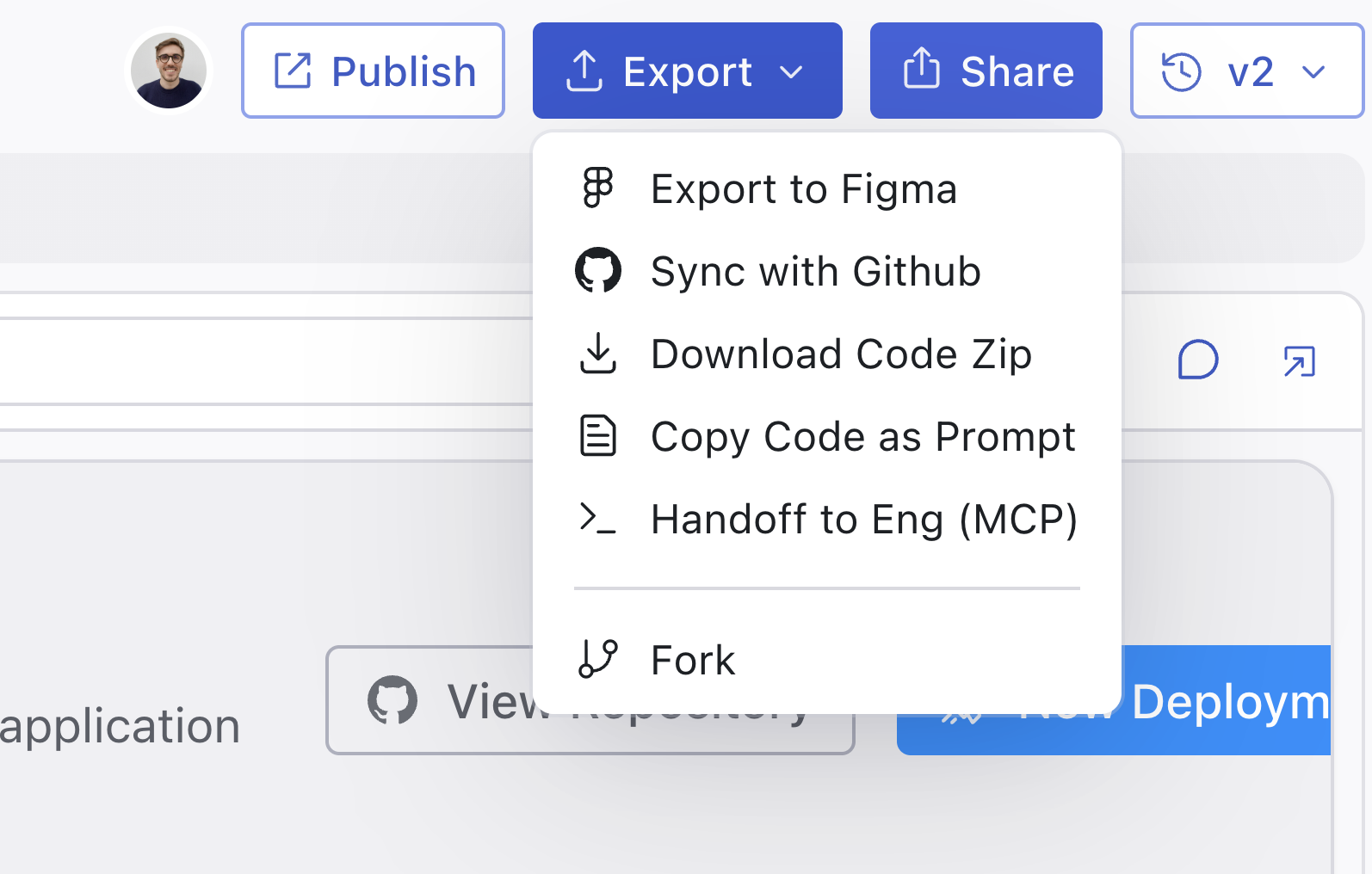
Export options
MCP Server
Integrate with AI coding tools like Cursor or Claude Code via MCP.
Copy as prompt
Copy your design’s code as a prompt to use in other AI tools.
Integration Skill
A drop-in skill that teaches Cursor or Claude Code to adapt a design into your codebase.
Download code
Download your design as a code package to use in any project.
Sync with GitHub
Two-way sync with a GitHub repository. Creates a new repo and lets you
push/pull changes between Magic Patterns and your codebase.
Export to Figma
Send your design to Figma for further design work or handoff.
Common workflows
Handing off to an engineer
- MCP Server - The most common workflow. Connect to Cursor or Claude Code and reference your designs directly in your IDE.
- Copy as prompt - Copy your design’s code to paste into other AI coding tools.
- Download code - Provide a zip file of the design code for engineers to integrate manually.
- Sync with GitHub - Creates a new repository with your design code that engineers can clone and build upon.